 Not the Wrong Way

For walks and adventure drives
Wander freely.
Never the wrong way.
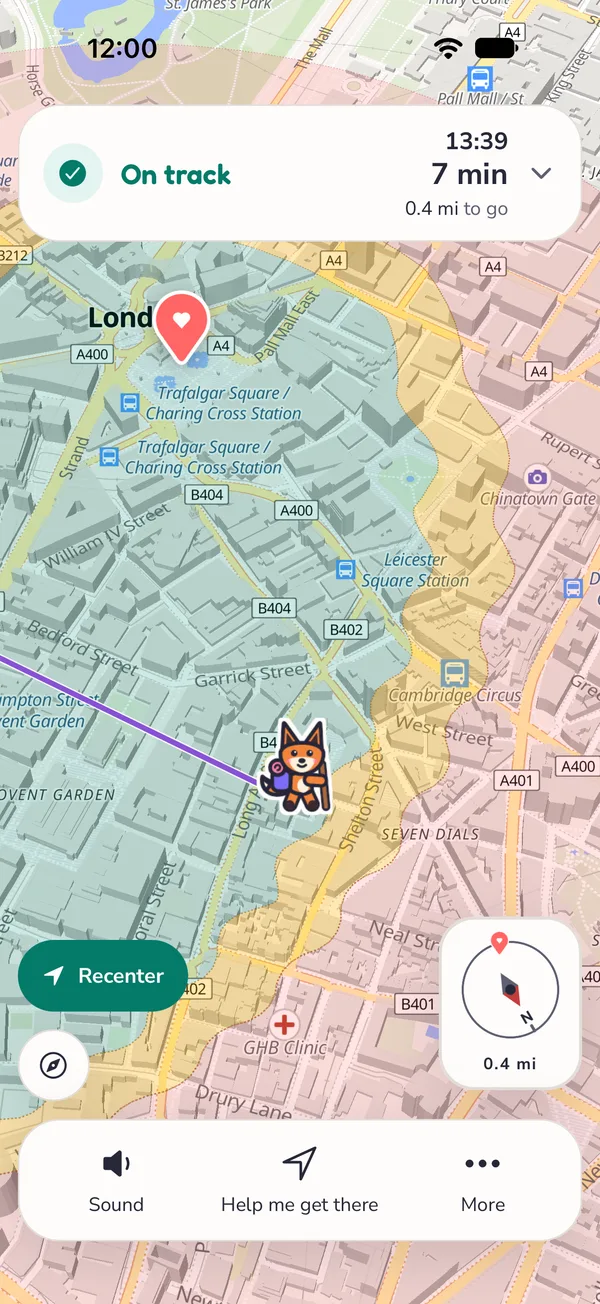
Pick a destination and choose your own route: take the side street, follow the river, stop for coffee. The app stays quiet while you're heading the right way, and only speaks up if you start going the wrong way or risk being late.
Free to download. No account needed.
- On foot or by car Take whatever route you like
- Phone in your pocket Vibrations and spoken alerts
- 150+ achievements And daily, weekly and monthly challenges
- Your location stays yours We never sell your data

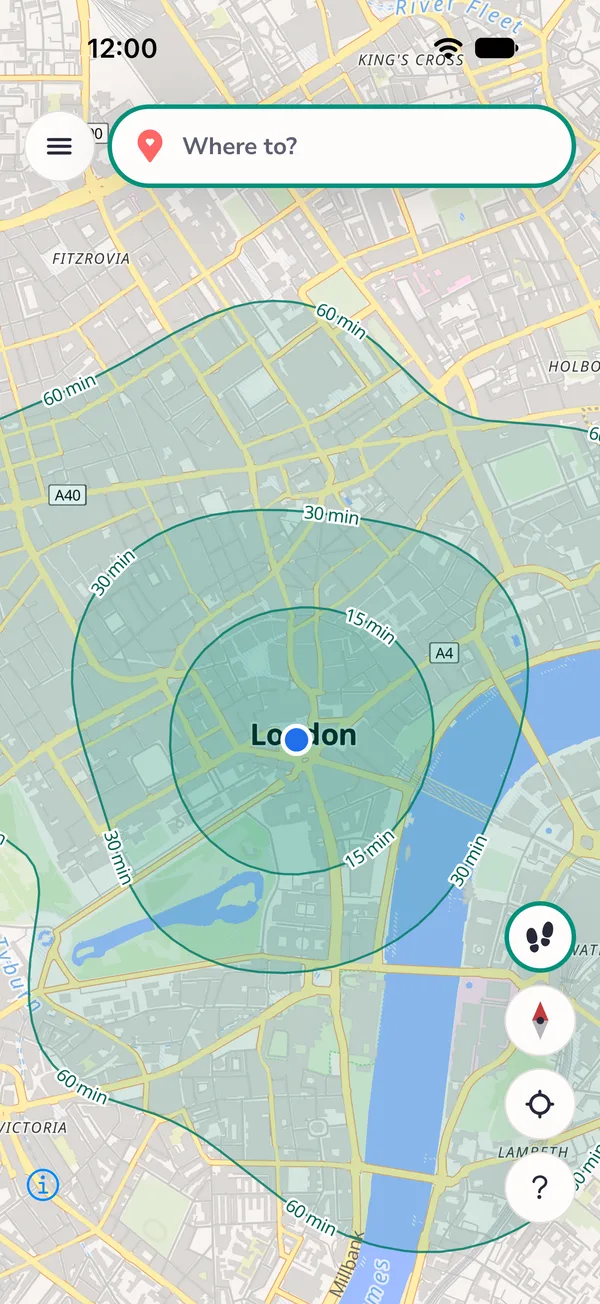
See where you can wander
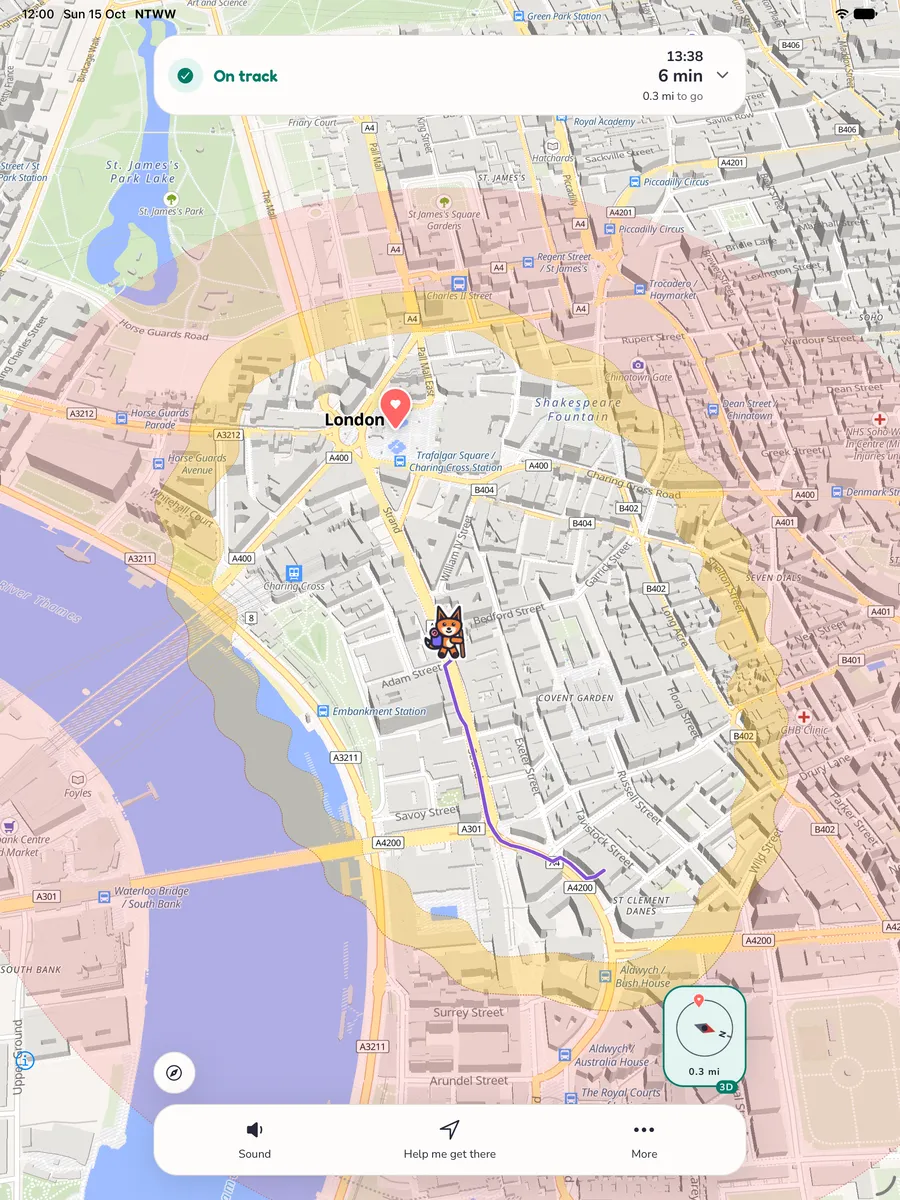
The whole map is your route
Set an arrival time and a coloured area shows everywhere you can explore and still aim to arrive on time. Stray as far as you like inside it. Nothing beeps, nothing nags.
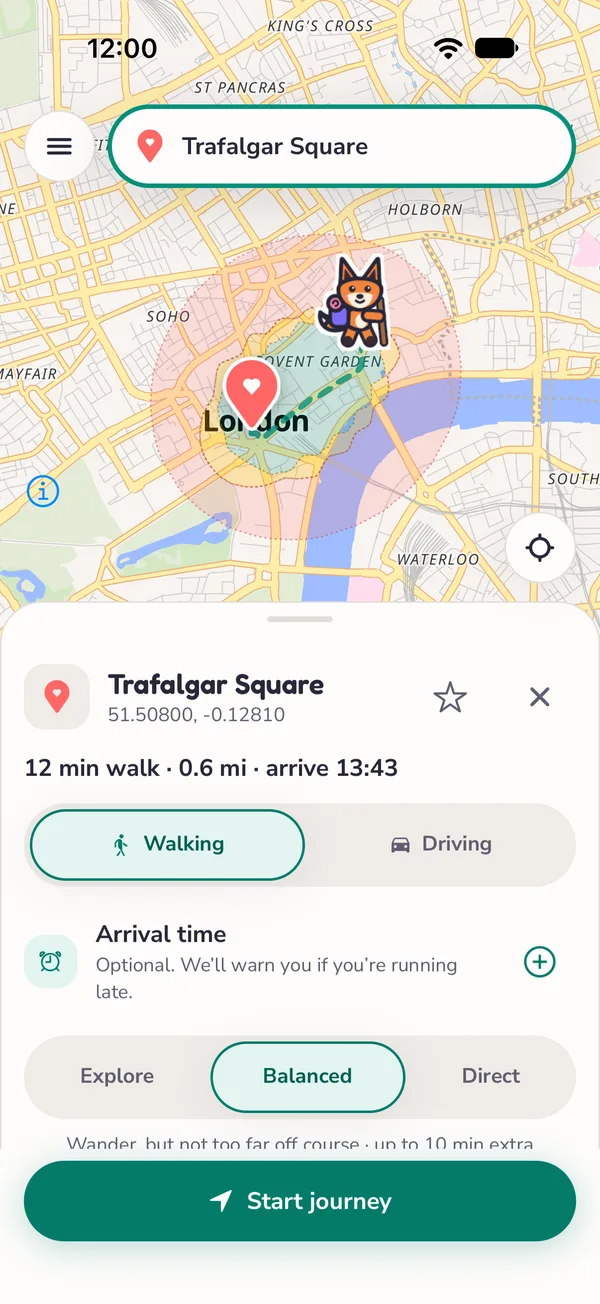
Choose your detour
Pick a place, then how much to explore
Explore, Balanced or Direct: decide how far off course you're happy to go, add an arrival time if you have one, and set off. Walking and driving both work.
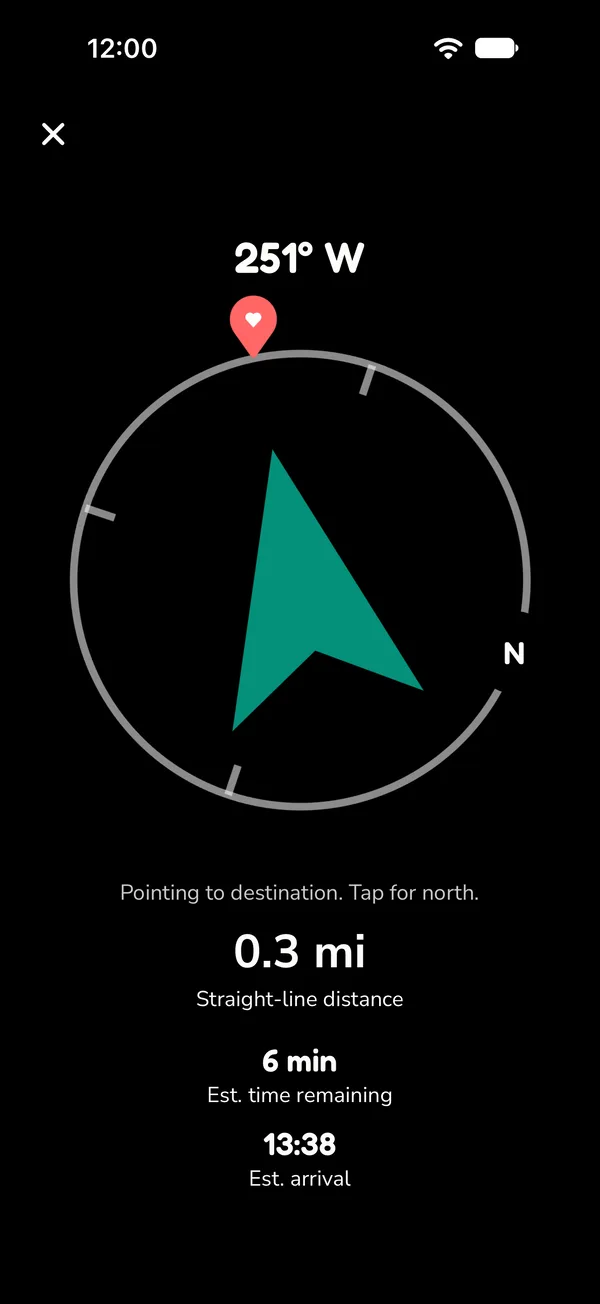
Phone in your pocket
Look up, not down
Vibrations and spoken alerts tell you when to change course, so the phone can stay in your pocket. Allow location all the time and they keep working with the screen off. Want a quick check? The compass simply points the way, with the distance and time left.
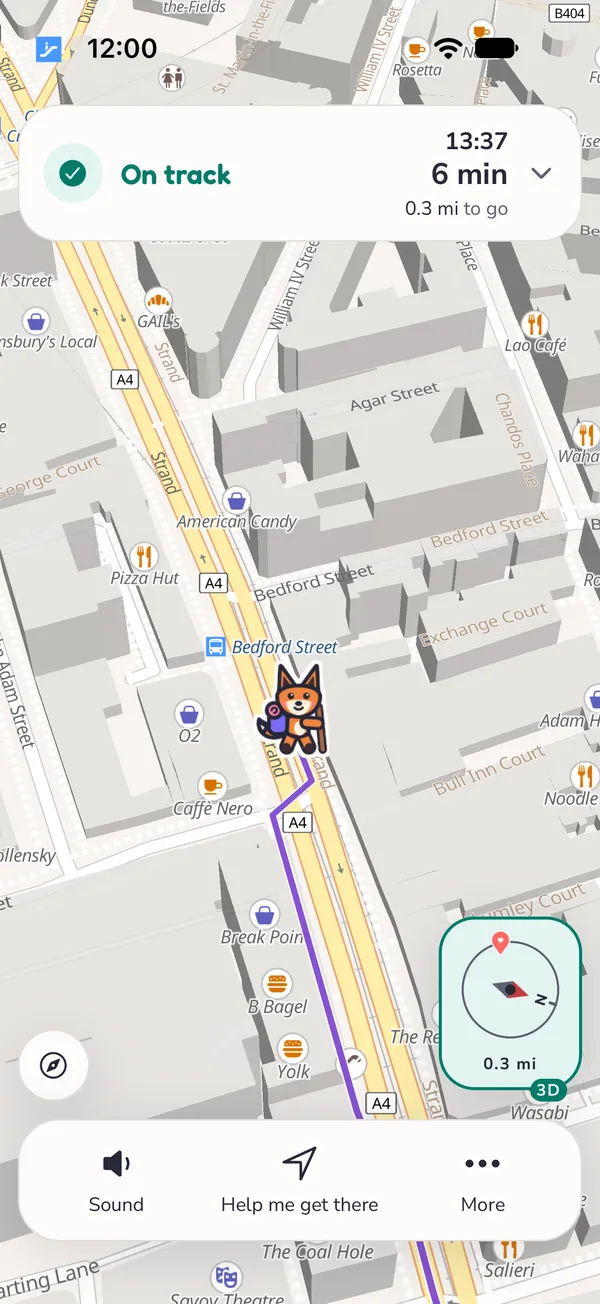
Discover as you go
Cafés, shops and sights along the way
Interesting places show up on the map as you walk, so it's easy to follow your nose. No destination at all? Try Aimless Wander: choose how long you have, and the app helps you end up back where you started in time.
Made for wandering
However you like to get about
One idea, lots of ways to use it: help getting somewhere on time, without being told every turn.

The scenic commute
Leave a little early, take the pretty way in, with help making the 9 o'clock. Set your arrival time and the app tells you if you're cutting it fine.

The daily dog walk
Same dog, new streets. Aimless Wander helps you both get back home in the time you've got, and five minutes out a day keeps your streak going.

A new city
A spare hour before the meeting or the train? See exactly how far you can roam, then go and get a little lost.

Weekend wanders
No plan, no destination, no problem. Choose 15, 30 or 60 minutes and just follow your nose.

Coffee on the way
Cafés, shops and sights appear on the map as you walk, so a detour for a flat white is always an option.

Chasing goals
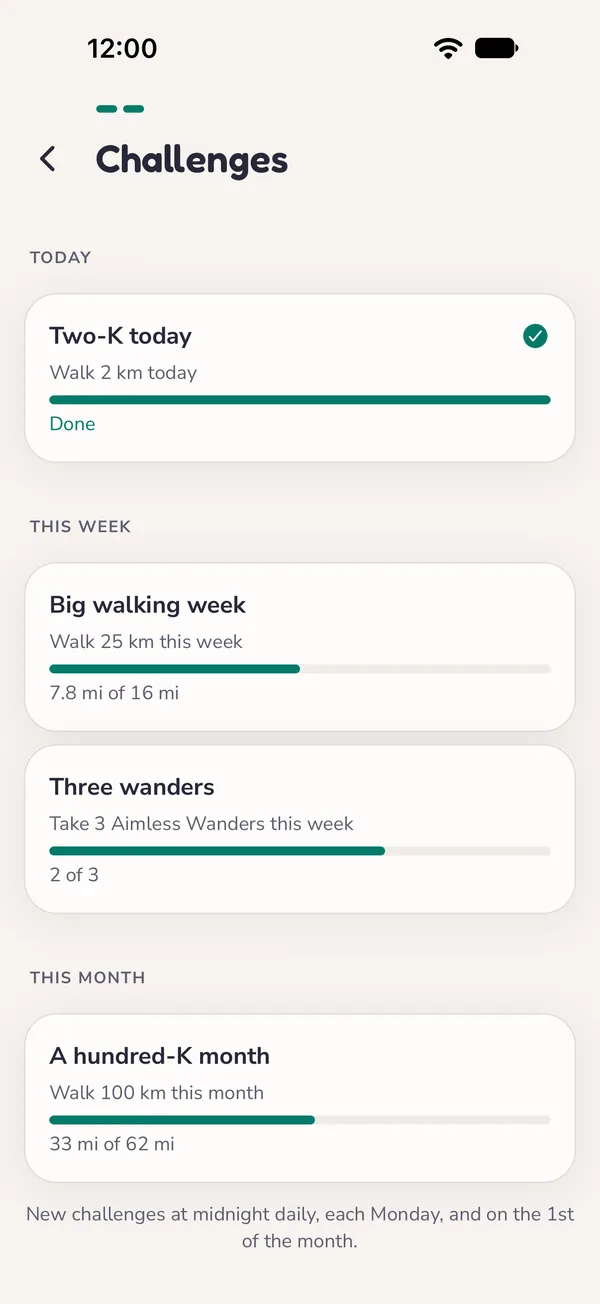
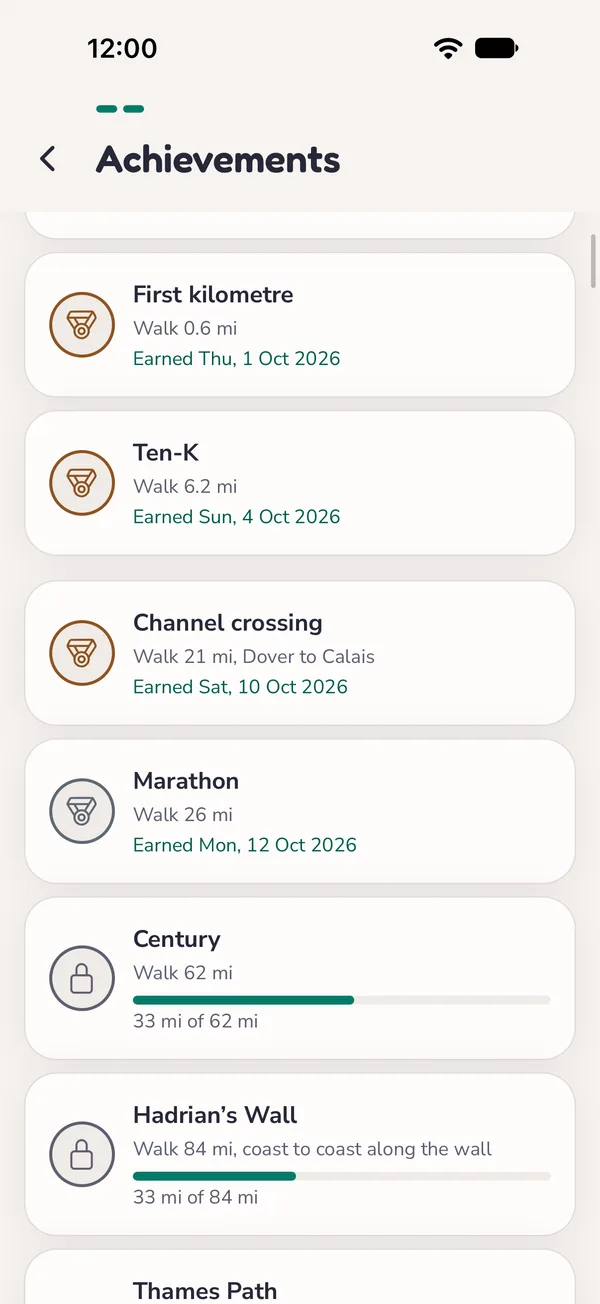
Two kilometres today, 25 this week, coast to coast along Hadrian's Wall one day. Challenges and achievements keep you heading out.

Not another sat nav
Directions tell you where to go. We let you choose.
| Feature | Not the Wrong Way | Typical turn-by-turn directions |
|---|---|---|
| Take any route you like | Any street, any detour | Usually steers you back to its route |
| Quiet while you're on track | Only speaks up when it matters | Usually announces each turn |
| See how far you can wander | A coloured area for your time | Not usually |
| Warns before you're late | Alerts if you risk missing your time | Usually an arrival estimate |
| Round trips with no destination | Aimless Wander | Not usually |
| Rewards for getting out | Streaks, challenges, achievements | Not usually |

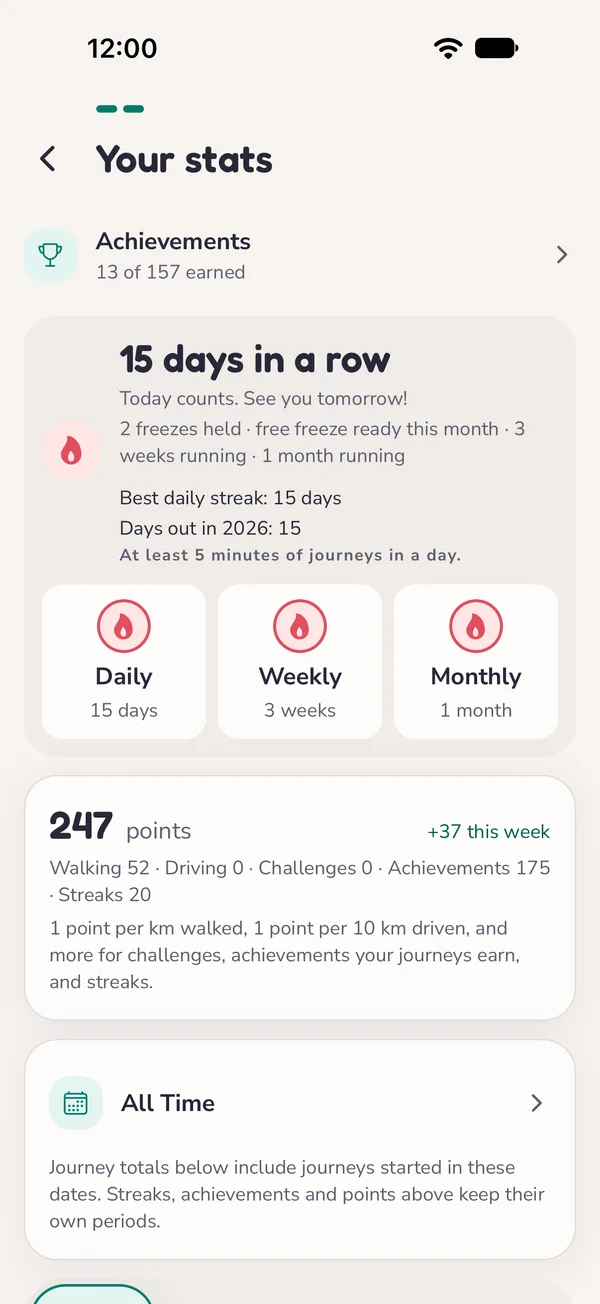
Every walk counts
Streaks, challenges and over 150 achievements
Keep a daily streak going, take on fresh challenges every day, week and month, and collect achievements from your first kilometre to Hadrian's Wall.
Home-screen widgets
Your next wander is one tap away
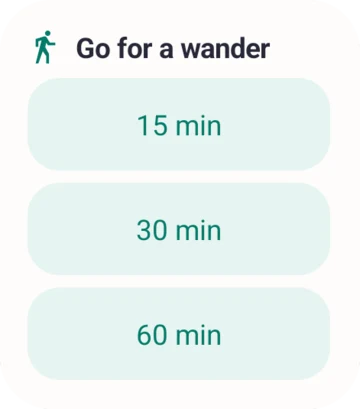
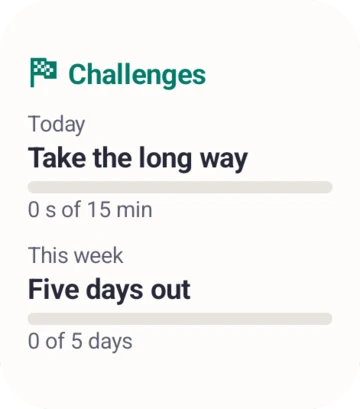
Start a 15, 30 or 60-minute wander straight from your home screen, and see today's and this week's challenges without opening the app.
And plenty more
Saved places
Keep your favourite spots, with groups, tags and icons.
Journey history
Every past journey with its route, stops, time and distance.
Weekly leaderboard
An optional leaderboard, if you fancy a friendly race.
Sync if you like
Create an account and your journeys and places follow you across devices.
Free to start
Everything you need, free. Even more with Plus.
The core wandering experience is free. Plus is for when you're hooked.
| Feature | Free | Plus |
|---|---|---|
| Wandering area, alerts and compass | Yes | Yes |
| Aimless Wander and offline maps | Yes | Yes |
| Streaks, challenges, achievements and leaderboard | Yes | Yes |
| Widgets and sync across devices | Yes | Yes |
| Journeys | A monthly allowance, more with a short video | As many as you like |
| Saved places | A set number | As many as you like |
| Wandering area | Made when you set off, and when you update it | Live, kept up to date as you go |
| Streak saves | Watch an ad | Without an ad |
| Ads | Yes | None |
| Export journeys (GPX, KML, GeoJSON, CSV) | No | Yes |
| Send walks to Apple Health or Health Connect | No | Yes |
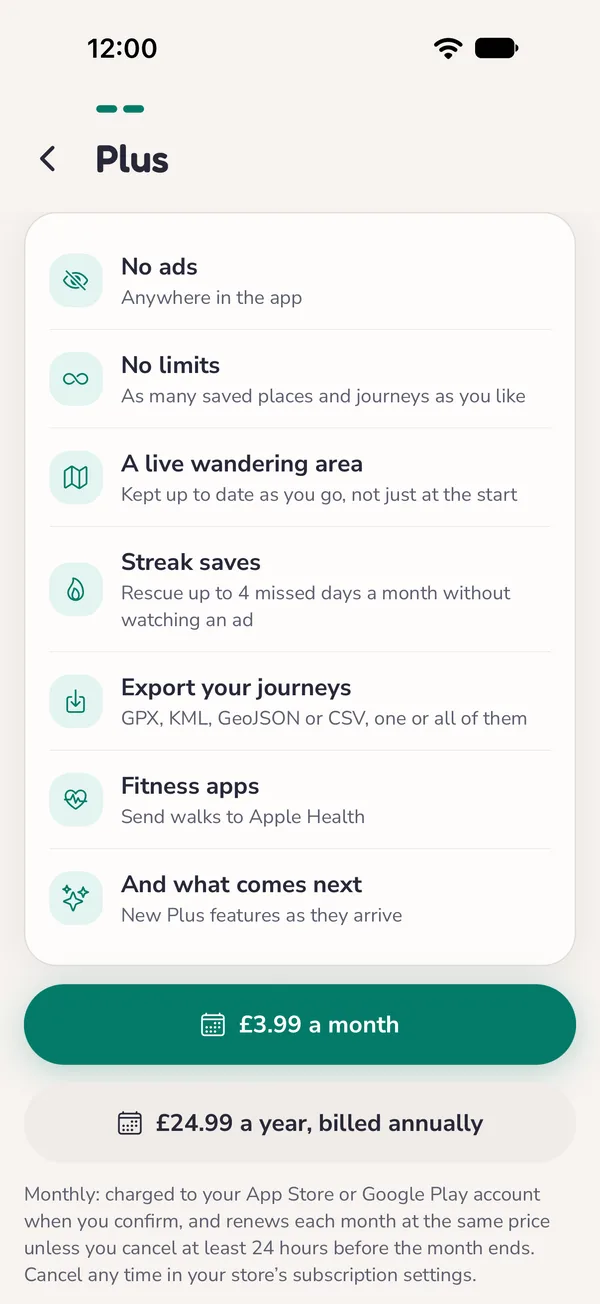
Plus is a monthly or yearly subscription through the App Store or Google Play. Cancel any time in your store's subscription settings.
Your location stays yours
- Used only while the map is open, during a journey, or when you search
- No account needed. Create one only if you want to sync your devices
- We never sell your data or give your location to advertisers
Questions
Is it free?
Yes. Not the Wrong Way is free to download and use, with ads. Plus is an optional subscription that removes ads and adds extras like unlimited journeys, a live wandering area and journey exports.
Will it tell me every turn?
No, and that's the point. You choose the route. The app stays quiet while you're heading the right way and only speaks up if you start going the wrong way or risk being late.
Can I keep my phone in my pocket?
Yes. Vibrations and spoken alerts tell you when to change course. Allow location all the time and they keep working with the screen off.
Does it work without signal?
Save maps for offline use before you go. If you lose signal during a journey, the app offers straight-line time estimates (and switches them on after 5 minutes without signal) so it can still warn you about running late.
Does it work for driving?
Yes. Switch to Driving when you plan a journey for an adventure drive: choose how much detour you're happy with, avoid motorways, tolls, ferries or unpaved roads, and get spoken alerts if you head the wrong way or risk being late. Set it up before you set off, and never handle your phone while driving.
Do I need an account?
No. An account is optional, and only needed if you want your journeys and places to sync across your devices.
Which devices does it work on?
iPhone and iPad from the App Store, and Android phones and tablets from Google Play.
Something else? Visit support

Your neighbourhood is bigger than you think
Pick a destination, take the long way, and never go the wrong way.